
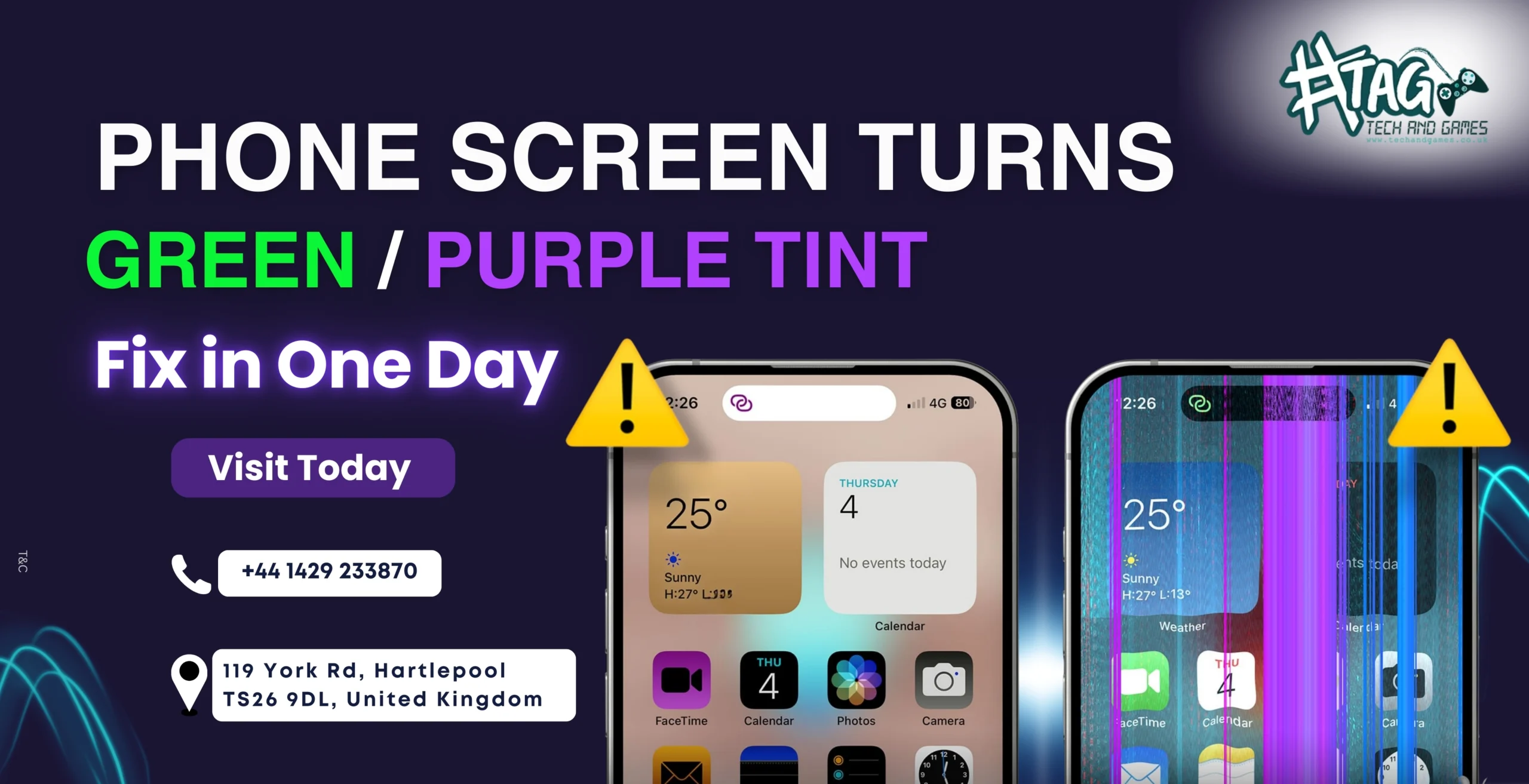
If your phone screen suddenly develops a green tint, purple hue, or uneven colours — especially at low brightness — you’re not alone.
Many users search:
 “phone screen turns green”
“purple tint on phone display”
“OLED screen green line issue”
At Tech & Games Hartlepool, this is a very common OLED panel failure trend, especially in modern smartphones.
Important:
This issue does NOT fix itself — and it usually gets worse over time if left untreated.
Why Does a Phone Screen Turn Green or Purple? (OLED Explained)
Most modern phones use OLED or AMOLED displays.
Unlike LCDs, OLED screens use individual pixels that emit their own light.
Over time, some OLED pixels degrade unevenly, causing:
- Green tint across the screen
- Purple or magenta shading
- Patchy colour zones
- Brightness inconsistency
This is a hardware issue, not a software bug.
Step 1: Rule Out Software & Display Settings (Quick Check)
Before assuming hardware damage, check:
- Night Shift / Blue Light filter
- Accessibility colour filters
- Display calibration settings
If the tint:
 Appears on boot screen
Is visible in screenshots
Gets worse at low brightness
Then it’s almost certainly an OLED panel issue.
Step 2: OLED Panel Degradation (Most Common Cause)
OLED panels degrade over time — especially on:
- Phones used at high brightness
- Devices with static UI elements
- Older OLED screens (2–4 years)
Symptoms include:
- Green tint at low brightness
- Purple hue on dark backgrounds
- Uneven colours when scrolling
This is a known industry-wide OLED failure trend, not user fault.
Step 3: Screen Burn-In vs Panel Failure
Some customers confuse tint issues with burn-in.
The difference:
- Burn-in → Ghost images or icons
- Panel failure → Colour shift (green/purple), no clear shapes
Panel failure cannot be fixed with apps or updates — screen replacement is the only reliable solution.
Step 4: Can This Damage Spread If Ignored?
Yes.
OLED tint issues typically:
- Start faint
- Become stronger over weeks/months
- Affect brightness and visibility
- Reduce resale value significantly
Early replacement prevents:
Complete display failure
Black screen issues later
Touch problems caused by panel damage
When to Visit Tech & Games Hartlepool
If your phone:
 Has green or purple tint
Looks worse at night or low brightness
Has uneven colours across the display
Was not dropped or water-damaged
Then you’re likely facing OLED panel failure — and we can fix it fast.
Why customers trust us:
 Free diagnosis
Same-day OLED screen replacement
High-quality display panels
Warranty-backed repairs
Honest advice — no upselling
 Visit us: 119 York Rd, Hartlepool, TS26 9DL
 Call: +44 1429 233870
FAQs: Phone Screen Green / Purple Tint
Q1. Why does my phone screen turn green or purple?
This happens due to OLED pixel degradation, a common issue in modern OLED displays as they age.
Q2. Is green or purple tint a software issue?
No. If the tint appears on boot or screenshots, it’s a hardware OLED panel problem.