
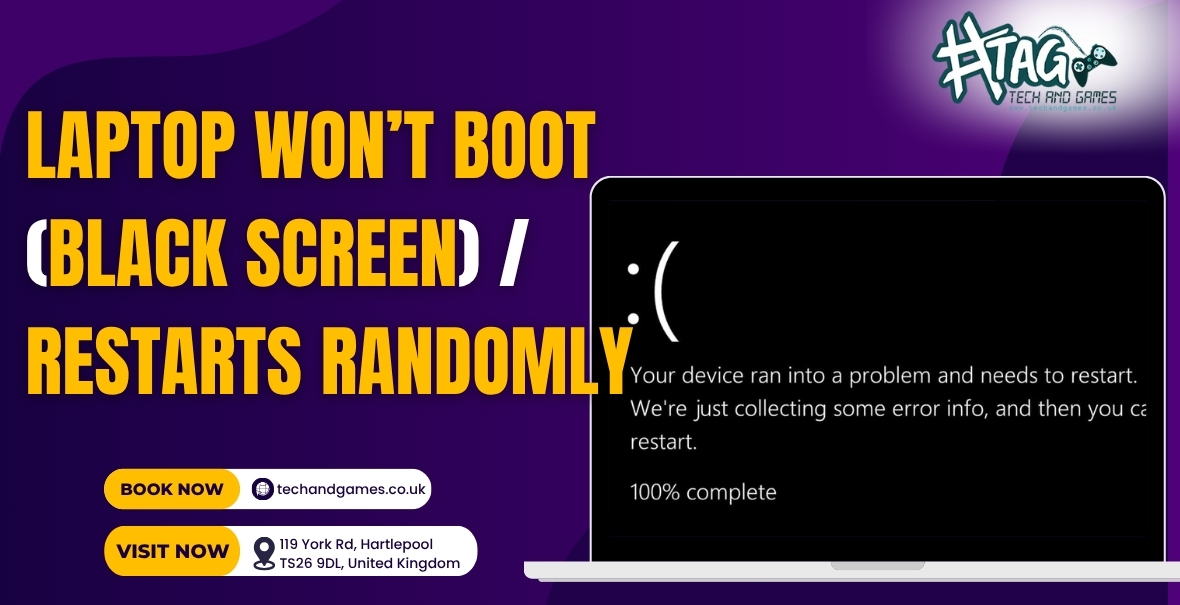
Laptop Stuck on a Black Screen or Keeps Restarting? You’re Not Alone.
If your laptop won’t boot properly, shows a black screen, or keeps restarting again and again it’s called a boot loop.
At Tech & Games Hartlepool, we see this problem daily and in most cases, it’s fixable without replacing your entire laptop.
Let’s go through the most common causes and step-by-step fixes before it gets worse.
Step 1: Disconnect External Devices
Sometimes, your laptop is trying to boot from an external USB drive or device instead of the internal storage.
Try this first:
- Unplug USB drives, external hard disks, SD cards, and peripherals.
- Press and hold the power button for 10 seconds to fully shut down.
- Turn it on again.
If your laptop boots normally problem solved. If not, keep going.
Step 2: Perform a Hard Reset
Residual electrical charge can freeze your system’s boot process.
Here’s how to do a full power drain reset:
- Disconnect the charger.
- Remove the battery (if it’s removable).
- Hold down the power button for 15–20 seconds.
- Reconnect power and turn on your laptop.
- Disconnect the charger.
Step 3: Check RAM or Storage Issues
If your laptop powers on but stays on a black screen or restarts mid-boot, it could be due to loose RAM or a faulty SSD/HDD.
Try this if you’re comfortable opening the back panel:
- Remove the RAM stick(s), clean the gold contacts gently, and reseat them.
- If you have two RAM slots, try one stick at a time.
- Listen for beeps or fan sounds — they indicate hardware is alive.
Not confident doing this? At Tech & Games, our technicians can test your RAM and SSD instantly using diagnostic tools — no guessing.
Step 4: Check Display & Backlight Functionality
Sometimes the laptop is actually booting fine, but the screen stays black because of a faulty display cable or backlight.
Try this test:
- Shine a flashlight on the screen at an angle.
- If you faintly see the desktop or logo, your screen backlight or cable might be failing.
We fix these in-store the same day — no full screen replacement needed unless the panel itself is damaged.
Step 5: Run Automatic Repair or Safe Mode (Windows Users)
If your laptop boots and restarts repeatedly showing a Windows logo or spinning dots:
- Turn it on → force shut down with the power button.
- Repeat this 3 times — Windows will open Automatic Repair Mode.
- Choose Advanced Options → Startup Repair or Safe Mode.
If it boots in Safe Mode, uninstall recent driver or Windows updates that might have caused instability.
Pro Tip: We can run deep boot diagnostics to isolate driver, BIOS, or OS-level faults — especially useful for Dell, HP, and Lenovo laptops showing blue or black screens.
Step 6: When to Bring It to Tech & Games Hartlepool
If your laptop still restarts randomly or stays stuck on a black screen — it’s time for a quick check-up.
At Tech & Games Hartlepool, we offer:
✅ Free laptop diagnosis
✅ Same-day repair for most boot and power issues
✅ Fixes for BIOS corruption, faulty RAM, SSDs, or motherboards
✅ Transparent pricing (no repair, no charge)
📍 Visit us at:
119 York Rd, Hartlepool, TS26 9DL
📞 Call: +44 1429 233870
We’ll pinpoint the problem whether it’s a software crash, power surge, or internal fault and get your laptop running again the same day.
FAQs – Laptop Boot / Black Screen Fix
Q1. Why does my laptop keep restarting or show a black screen on startup?
This usually happens due to faulty RAM, corrupt system files, or a damaged SSD. In some cases, the display or BIOS may also be at fault.
Q2. Can I fix a boot loop myself?
You can try disconnecting USB devices, performing a hard reset, or running Windows Automatic Repair. If it persists, let a technician check the internal hardware.
Q3. How much does it cost to fix a laptop that won’t boot in Hartlepool?
Repairs typically range from £45–£95, depending on the cause (RAM, motherboard, or storage). We offer a free diagnostic before any repair.
Q4. My laptop turns on but stays on a black screen — is it the display?
Possibly. It could be a disconnected cable or backlight failure. We can test this instantly without replacing the screen unnecessarily.
Q5. Do you offer same-day laptop boot repairs?
Yes! We handle most boot and power-related repairs the same day for all major laptop brands.