
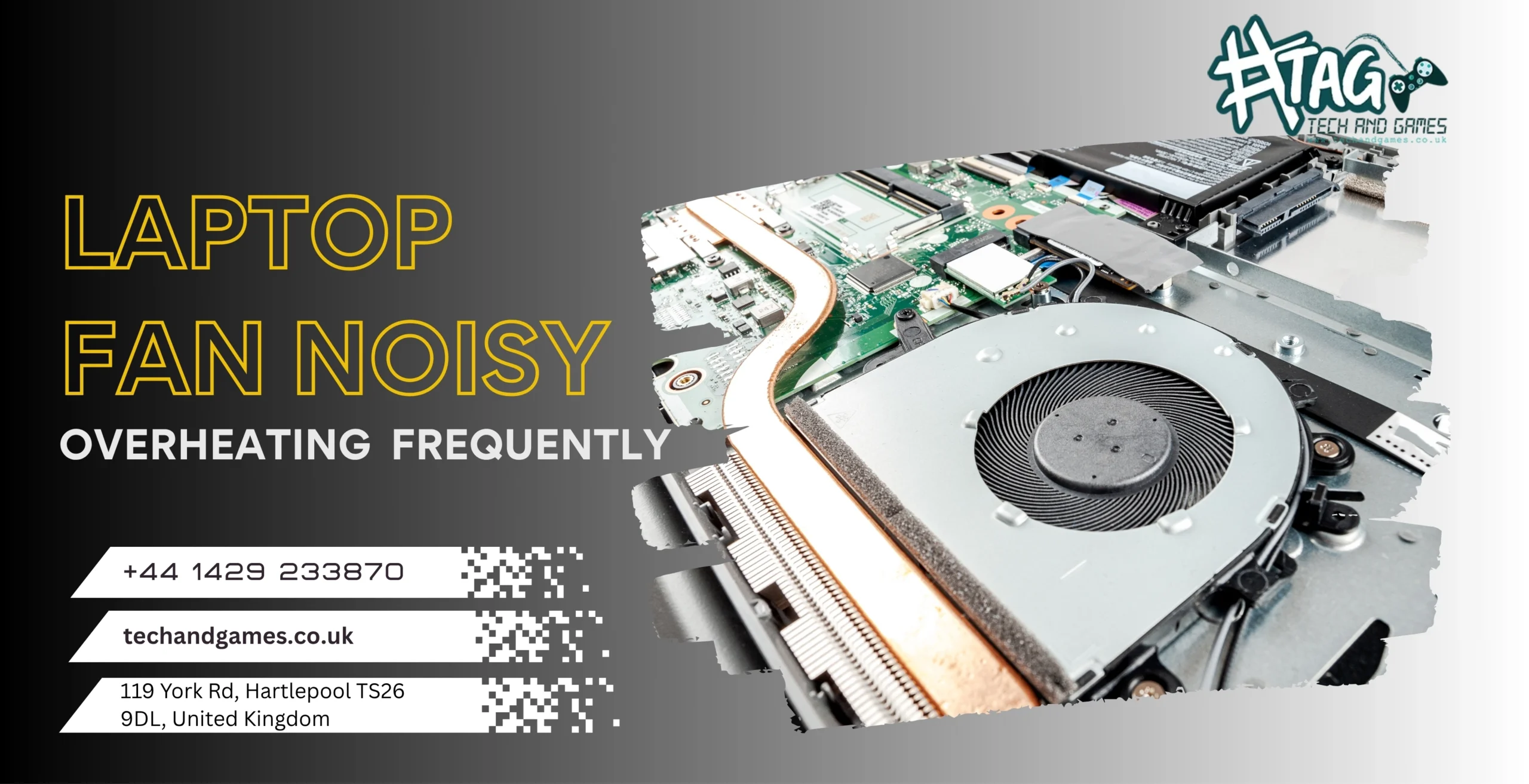
If your laptop suddenly becomes loud, hot, or keeps shutting down due to overheating, you’re not alone.
Many local users search “why is my laptop fan so loud”, “laptop overheating without beeps,” or “laptop heats up quickly” — and we fix these thermal issues every day at Tech & Games, Hartlepool.
The good news?
Most overheating and noisy fan problems are caused by minor issues and can be fixed the same day without replacing the whole motherboard.
Let’s break down what’s really happening and how you can fix it quickly.
Step 1: Check for Dust, Dirt & Blockages Inside the Laptop :
One of the most common reasons for noisy fans is dust buildup inside your laptop. Over time, dust blocks airflow, forcing your fan to spin faster, making loud noise and causing overheating.
Signs your laptop needs cleaning:
- Fan is constantly loud
- Laptop gets hot even while browsing
- Performance slows down when it heats
- Laptop shuts down randomly
Why you shouldn’t clean it at home:
Using compressed air incorrectly can:
 Push dust deeper
Damage fan blades
Affect thermal paste
At Tech & Games Hartlepool, we offer professional internal cleaning that removes dust safely without damaging components.
Step 2: Old or Worn-Out Thermal Paste :
Thermal paste transfers heat from the CPU/GPU to the cooling system.
With time (especially after 1–2 years), thermal paste dries up, causing:
- Overheating
- Loud fan noise
- Sudden shutdowns
- Thermal throttling (slow performance)
We apply premium-quality thermal paste to restore cooling efficiency instantly.
Step 3: Faulty or Weak Cooling Fan
A faulty fan can also create loud grinding or rattling sounds.
You may notice:
- Fan vibration
- Scratching or clicking noises
- Overheating during normal use
We can test your laptop fan in minutes and replace it same day if required.
Step 4: Heavy Background Programs Overloading Your CPU
Sometimes overheating occurs due to apps running unnoticed in the background:
- Games
- Chrome tabs
- Cloud sync tools
- Antivirus scans
This pushes your CPU to 100%, making your fan run at full speed.
Try:
- Closing extra tabs
- Restarting the laptop
- Checking Task Manager
But if it still overheats, it needs professional checking.
Step 5: Blocked Laptop Vents or Using Laptop on Soft Surfaces
Using your laptop on:
- Bed
- Sofa
- Blanket
- Pillow
Blocks the air vents and causes overheating.
Always use it on a flat surface or invest in a cooling pad.
When Should You Visit Tech & Games Hartlepool?
If your laptop:
 Overheats within minutes
Fan is constantly loud
Shuts down during gaming or work
Gets hot even when idle
Then the issue is internal and needs proper diagnosis.
We fix all thermal issues including:
- Dust blockage
- Fan motor failure
- Old thermal paste
- Cooling system failure
- Heat sink alignment issues
- Internal damage due to long-term heat
Why customers trust us:
 Free diagnosis Same-day thermal service Professional cleaning Thermal paste replacement Fan repair or replacement
 119 York Rd, Hartlepool TS26 9DL
 +44 1429 233870
FAQs – Laptop Fan Noisy / Overheating
Q1. Why is my laptop fan suddenly so loud?
It’s usually caused by dust buildup, background apps, or a failing cooling fan. A quick check can identify the exact reason within minutes.
Q2. Why does my laptop keep overheating even during normal use?
Dried thermal paste, blocked vents, dust, or a weak fan can cause overheating. We offer same-day thermal service in Hartlepool.
Q3. Can a noisy laptop fan be repaired?
Yes! We can repair or replace laptop fans depending on the condition, usually within 1 hour.
Q4. Is it safe to use a laptop that overheats?
No — overheating can damage the CPU, GPU, and motherboard. It’s best to get it checked immediately.
Q5. How much does laptop fan and cleaning service cost in Hartlepool?
Laptop cleaning, fan repair, or thermal paste replacement usually costs £25–£55, depending on the model. Diagnosis is free.