
Console Showing -Cannot Start the Game or “Update Failed”? Don’t Worry — It’s Fixable
Why Does Your Mobile Battery Drain So Fast?
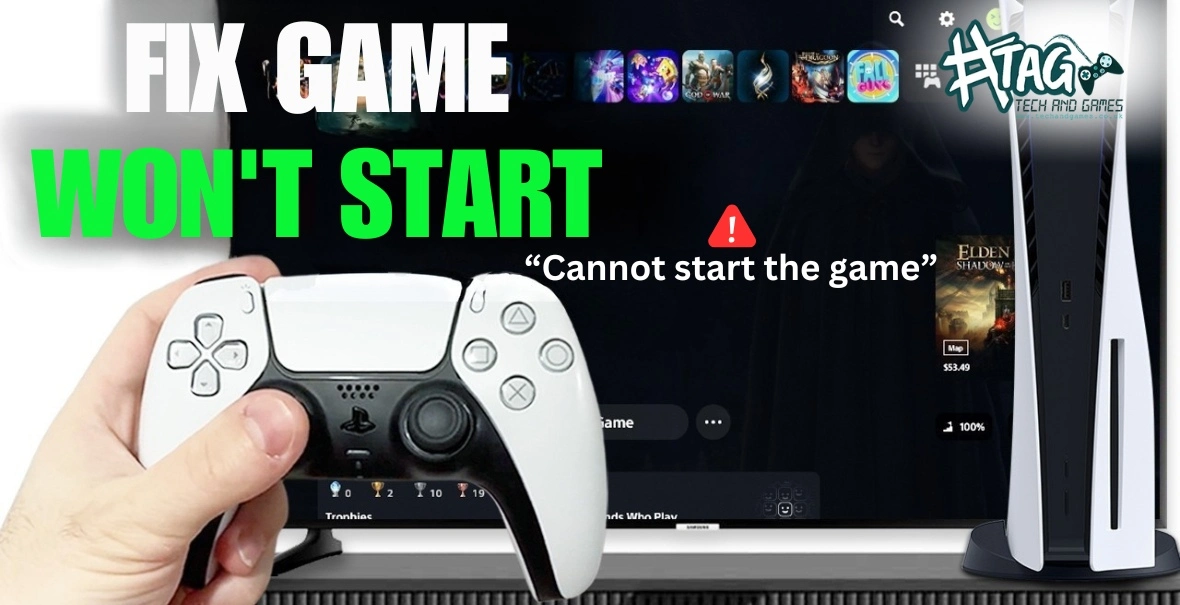
If your PS5, PS4, or Xbox suddenly stops loading games and shows messages like “Cannot start the game”, “Update failed”, or “System software error”, it’s usually a firmware or service-layer problem — not total hardware failure.
At Tech & Games Hartlepool, we fix these kinds of issues every week, and most of them can be sorted the same day — no need to replace your console.
Let’s walk you through why these firmware errors happen, what you can do at home, and when it’s time to bring it in for professional repair.
Step 1: Understand What Firmware Errors Mean:
Your console’s firmware is its brain — it controls how the hardware talks to your games and system software.
When an error pops up like:- “Cannot start the game or app.”
- “The system software update failed.”
- “Something went wrong. (CE-100028-1)”
…it usually means:
The last system update didn’t install correctly
The console’s internal memory (SSD/HDD) has corrupted files
Network interruptions or power loss during updates
Overheating or software conflicts
Pro tip: Don’t try multiple forced restarts. It can make the corruption worse — instead, follow the safe mode fixes below.- “Cannot start the game or app.”
Step 2: Try Safe Mode and Database Rebuild
Here’s a simple fix that works for most PS5/PS4 firmware errors:
- Power off the console completely.
- Hold the power button until you hear a second beep (that’s Safe Mode).
- Connect your controller with a cable.
- Select “Rebuild Database”.
If the issue continues, reinstall the system software using a USB drive (Sony and Xbox both offer official downloads on their websites).- Power off the console completely.
Step 3: Check Storage and Internet Stability
- Low storage space can cause firmware installation failures. Make sure you’ve got at least 10GB free.
- If your Wi-Fi cuts out mid-update, switch to a wired Ethernet connection or use your phone hotspot temporarily.
Still stuck on “Update failed”? That’s usually when we recommend a firmware reinstall in-store — we use diagnostic tools to safely flash the console without data loss.
Step 4: When to Bring It to Tech & Games Hartlepool
If your console:
- Gets stuck in a boot loop
- Shows “System update cannot be completed” repeatedly
- Crashes every time you start a game
…it’s time for a professional check-up.
At Tech & Games Hartlepool, we offer:
Free diagnostic on firmware and system software issues
PS5, PS4, Xbox Series X/S, and Nintendo Switch repair
Firmware reinstall and storage recovery
Same-day service for most software faults
Visit us in Hartlepool — we’ll bring your console back to life so you can get back to gaming without delay.
FAQs – Console Firmware Errors
Q1. What causes “Cannot start the game” or “Update failed” on my console?
These messages usually appear due to firmware corruption, incomplete updates, or file system errors. A firmware reinstall or database rebuild often fixes them.
Q2. Can I fix console firmware errors at home?
Yes — you can try Safe Mode and rebuild the database. If the issue repeats or the console won’t boot, bring it to a repair shop for a firmware flash.
Q3. How much does it cost to fix firmware or update issues in Hartlepool?
Firmware repairs at Tech & Games Hartlepool typically cost £35–£65, depending on the console model and issue severity.
Q4. Will I lose my game data during firmware repair?
Usually not. We perform non-destructive firmware reinstalls whenever possible, keeping your saved games intact.
Q5. Do you offer same-day repair for firmware errors?
Yes, in most cases. We keep console firmware files ready for PS5, PS4, Xbox, and Switch so your console can be repaired the same day.