
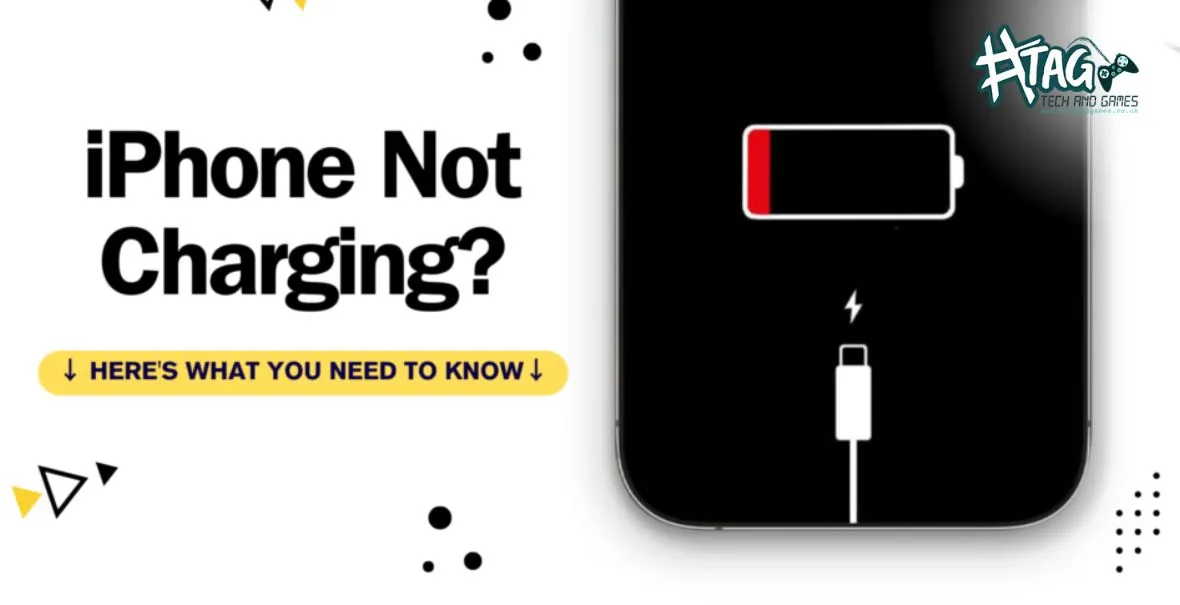
So, you bought a new cable, plugged in your iPhone, and… nothing. Frustrating, right?
Before assuming your iPhone is broken beyond repair, it’s worth checking a few common issues that stop iPhones from charging.
At Tech & Games Hartlepool, we see this all the time — and most of the time, it’s fixable without replacing the whole phone.
Step 1: Check the Cable and Power Source
Even brand-new cables can be faulty, and not all chargers provide enough power.
Try this:
- Use another certified cable and wall charger.
- Plug into a different socket or USB port.
- Avoid low-power USB hubs for charging.
Pro Tip: If your cable wiggles in the port or only charges at certain angles, it could be the charging port, not the cable.
Step 2: Inspect and Clean the Charging Port
Lint, dust, or debris can easily block the tiny lightning port.
Quick check:
- Look inside the port with a flashlight.
- Gently remove lint using a soft brush or toothpick (avoid metal).
If you spot corrosion or damage, bring it to Tech & Games Hartlepool — we can professionally clean or repair your port in minutes.
Step 3: Restart or Force Restart Your iPhone
Sometimes, software glitches prevent charging.
Force restart:
- iPhone 8 or later: Press and quickly release Volume Up → Volume Down → Hold Power button until Apple logo appears.
- iPhone 7: Hold Volume Down + Power button until Apple logo appears.
- iPhone 6s & earlier: Hold Home + Power button until Apple logo appears.
After restart, plug in again and see if it charges.
Step 4: Update iOS
Outdated software can interfere with battery and charging routines.
How to check:
- Go to Settings → General → Software Update
- Install the latest iOS version if available.
A quick update can fix charging bugs and prevent battery drain issues.
Step 5: Battery Health or Hardware Issues
If the iPhone still won’t charge, it could be:
- Battery health too low
- Faulty charging port
- Logic board issue
At Tech & Games Hartlepool, we provide free inspection and repair estimates before any work. Battery or charging port replacements are common, fast, and affordable.
When to Visit Tech & Games Hartlepool
If your iPhone still refuses to charge after trying these steps:
 Visit our Hartlepool repair centre for a free check-up.
We repair iPhone charging ports, batteries, and logic board issues — often same day.
Address: 119 York Rd, Hartlepool, UK, TS26 9DL
Call: +44 1429 233870
FAQs – iPhone Not Charging
Q1. Why isn’t my iPhone charging even with a new cable?
This usually happens due to dust in the charging port, faulty cable, outdated iOS, or battery/logic board issues. A technician can quickly identify the cause.
Q2. Can I clean the iPhone charging port myself?
Yes, gently with a soft brush or toothpick. Avoid metal objects to prevent short circuits. For thorough cleaning, bring it to us for a professional service.
Q3. How much does iPhone charging port repair cost in Hartlepool?
Most repairs range from £35–£65, depending on whether it’s a port, battery, or minor logic board repair. Diagnostics are free.
Q4. Does Tech & Games repair all iPhone models?
Yes! We handle iPhone 6 through the latest models, with fast same-day service in most cases.
Q5. Can my data be saved during iPhone charging port repair?
Absolutely. We repair hardware safely without affecting your data.
This is exactly what I needed to read today.